


If you’re looking to maximize your learning efficiency, the right study tools can make a huge difference. Whether you’re preparing for exams, working on assignments, or learning a new skill, having the best study tools at your disposal can help you save time, organize better, and retain information more effectively.
In this detailed guide, we’ll explore every category of study tools, show you popular options, and provide tips on how to use them to get the best results.
1. Digital Note-Taking Tools
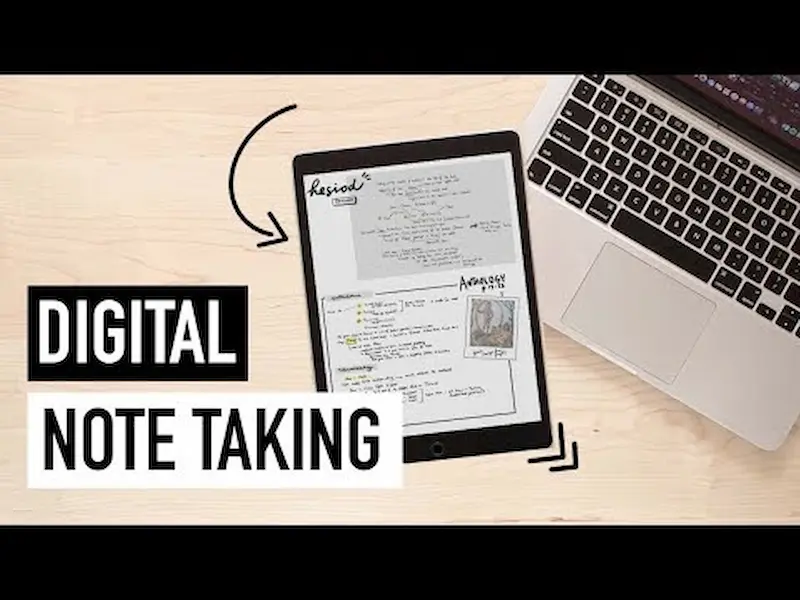
Taking notes is a cornerstone of effective learning. Traditional notebooks are fine, but digital note-taking tools give you flexibility, organization, and accessibility.
Popular Digital Note-Taking Apps:
- Evernote: Lets you store text notes, images, PDFs, and voice memos. Notes can be organized with tags and notebooks.
- Notion: Combines note-taking with task management. Perfect for creating a study hub with notes, to-do lists, and calendars.
- Microsoft OneNote: Mimics a traditional notebook with sections and pages. Supports multimedia notes, handwriting, and drawing.
How to Use Them Effectively:
- Color-code notes by subject or topic to quickly identify key points.
- Use headings and bullet points to break down complex information.
- Include images, diagrams, or links to supplementary material to reinforce learning.
- Sync your notes across devices so you can study anytime, anywhere.
Why It Helps: Digital notes are searchable, easy to update, and save you from carrying multiple notebooks. Plus, you can review them more efficiently during exam prep.
2. Flashcard Apps for Memorization
Flashcards are ideal for memorizing definitions, formulas, vocabulary, or key concepts. The best digital flashcard apps use spaced repetition, a scientifically proven method to improve long-term memory retention.
Top Flashcard Tools:
- Anki: Advanced spaced repetition system. Perfect for memorizing large volumes of information, especially for exams like medical or law school.
- Quizlet: Easy to create and share flashcards. Includes interactive study games and quizzes.
- Brainscape: Uses confidence-based repetition to help focus on weaker areas.
Usage Tips:
- Break down information into small, digestible pieces.
- Review cards daily in short sessions instead of cramming.
- Mix question types—definitions, images, formulas—for more effective recall.
Why It Helps: Flashcards train your brain to retrieve information efficiently, which is key for exams and quick learning.
3. Mind Mapping and Visualization Tools
Many learners struggle with complex topics. Mind maps and visual tools help you see connections between ideas, making understanding and recall easier.
Recommended Mind Mapping Tools:
- MindMeister: Cloud-based mind mapping that allows collaboration and multimedia integration.
- XMind: Great for detailed, hierarchical mind maps. Offers templates for study planning, brainstorming, and project organization.
- Coggle: Simple online mind maps, perfect for visualizing chapters or processes.
How to Use Them:
- Start with a central topic and branch out into subtopics.
- Use colors, icons, and images to differentiate concepts.
- Combine with digital notes or flashcards to strengthen memory.
Why It Helps: Visual learning engages different areas of the brain, which can improve comprehension and recall, especially for complex subjects like science, history, or languages.
4. Productivity and Focus Tools
Even the best study plans fail if distractions interfere. Productivity tools can block distractions, manage time, and improve focus.
Top Focus Tools:
- Forest: Grow a virtual tree while you focus. Phone usage stops the tree from growing—a fun way to stay off distractions.
- Pomodoro Timers (Focus Keeper, Be Focused): Use 25-minute study intervals with 5-minute breaks to maintain focus and avoid burnout.
- Cold Turkey / Freedom: Block distracting websites and apps during study sessions.
Usage Tips:
- Schedule study blocks at peak focus times (e.g., mornings or after exercise).
- Use the Pomodoro technique for difficult or boring topics.
- Reward yourself after completing focus sessions to build positive reinforcement.
Why It Helps: Focus tools reduce procrastination and help you stay in a productive flow, so your study time is more efficient.
5. Online Learning Platforms
Sometimes textbooks aren’t enough. Online learning platforms provide interactive lessons, videos, quizzes, and exercises to reinforce your understanding.
Best Online Learning Platforms:
- Khan Academy: Free courses for all levels in subjects like math, science, and humanities.
- Coursera & Udemy: Offers professional courses with certificates. Some are free, others paid.
- YouTube Educational Channels: CrashCourse, 3Blue1Brown, and others simplify complex topics visually.
How to Maximize Them:
- Watch short lessons rather than long lectures for better focus.
- Pause and take notes or make flashcards as you learn.
- Apply what you learn in exercises, quizzes, or real-life projects.
Why It Helps: Interactive learning is often more engaging than reading alone. Videos and tutorials cater to visual and auditory learners.
6. Research and Reference Tools
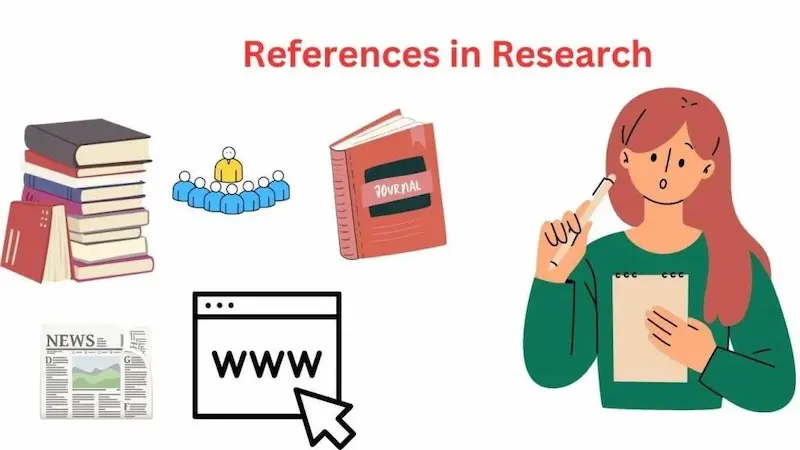
For essays, projects, or research assignments, the right reference tools save time and improve accuracy.
Useful Research Tools:
- Google Scholar: Search academic papers, journals, and articles.
- Zotero / Mendeley: Organize references, citations, and collaborate with classmates.
- Grammarly: Checks grammar, style, clarity, and plagiarism for essays.
Usage Tips:
- Keep a separate folder for each subject to store references.
- Always save citations correctly to avoid last-minute stress.
- Use grammar and plagiarism tools to ensure writing quality.
Why It Helps: Organized research and accurate citations make writing projects faster and more professional.
7. Study Planners and Organizational Tools
Planning is the backbone of effective study. Study planners help you prioritize tasks, manage time, and track progress.
Recommended Planning Tools:
- Trello: Visual boards and cards to track tasks and deadlines.
- Google Calendar: Schedule study sessions, reminders, and deadlines.
- Todoist: Organize daily to-do lists and monitor completed tasks.
Usage Tips:
- Set realistic goals for each study session.
- Break larger projects into smaller tasks.
- Review and adjust plans weekly to stay on track.
Why It Helps: A clear plan reduces anxiety, improves focus, and ensures consistent progress.
You may also like to read this:
Exam Preparation Tips: Study Smart And Score High
Exam Preparation For Students: Top Tips & Strategies
Smart Exam Preparation: Study Efficiently And Score Higher
Last-Minute Exam Preparation Tips To Boost Your Performance
Top Exam Preparation Strategies For Students To Succeed
Effective Exam Preparation: Smart Tips For Students
8. Supplementary Tools
Other tools can enhance study efficiency:
- Quiz Apps (Socrative, Kahoot!): Make revision interactive and fun.
- Dictionary & Translation Apps (Merriam-Webster, Google Translate): For language learning or technical subjects.
- Note Organization (Google Drive, Dropbox): Store documents and notes in the cloud for easy access.
Final Thoughts
Using the best study tools is more than just downloading apps or buying notebooks—it’s about creating a system that works for your learning style. Combining note-taking apps, flashcards, mind maps, focus tools, planners, and research platforms can transform your study habits.
Consistency is key: regular, structured study sessions supported by the right tools will help you retain information, reduce stress, and achieve your academic goals faster.
Remember, experiment with different tools, identify what fits your learning style, and integrate them into your daily study routine.
FAQs About Best Study Tools
Q1: Are digital study tools better than traditional ones?
A1: Digital tools offer flexibility and convenience, while traditional methods may improve retention for some learners. A mix of both often works best.
Q2: How do I stay motivated to use study tools?
A2: Set achievable goals, track progress, and reward yourself for completing study sessions. Gamified apps like Forest can boost motivation.
Q3: Can free study tools be effective?
A3: Absolutely! Free tools like Khan Academy, Quizlet, and Google Scholar are excellent for learning when used consistently.
Q4: How do I choose the best study tool?
A4: Consider your learning style—visual, auditory, reading/writing, or kinesthetic—and experiment with tools in each category. Pick what improves focus, understanding, and retention.